Main Assembly
Rear Shell
Great job getting this far! This is where it starts to get fun, seeing your handheld take shape into it’s final form. To start with the main assembly, we will install a few components onto the rear shell first. These don’t require threaded inserts, you can screw directly into the plastic standoffs. Just don't over-tighten it!
You will be using M2x4mm screws here.
Battery Indicator
Screw the battery indicator in.
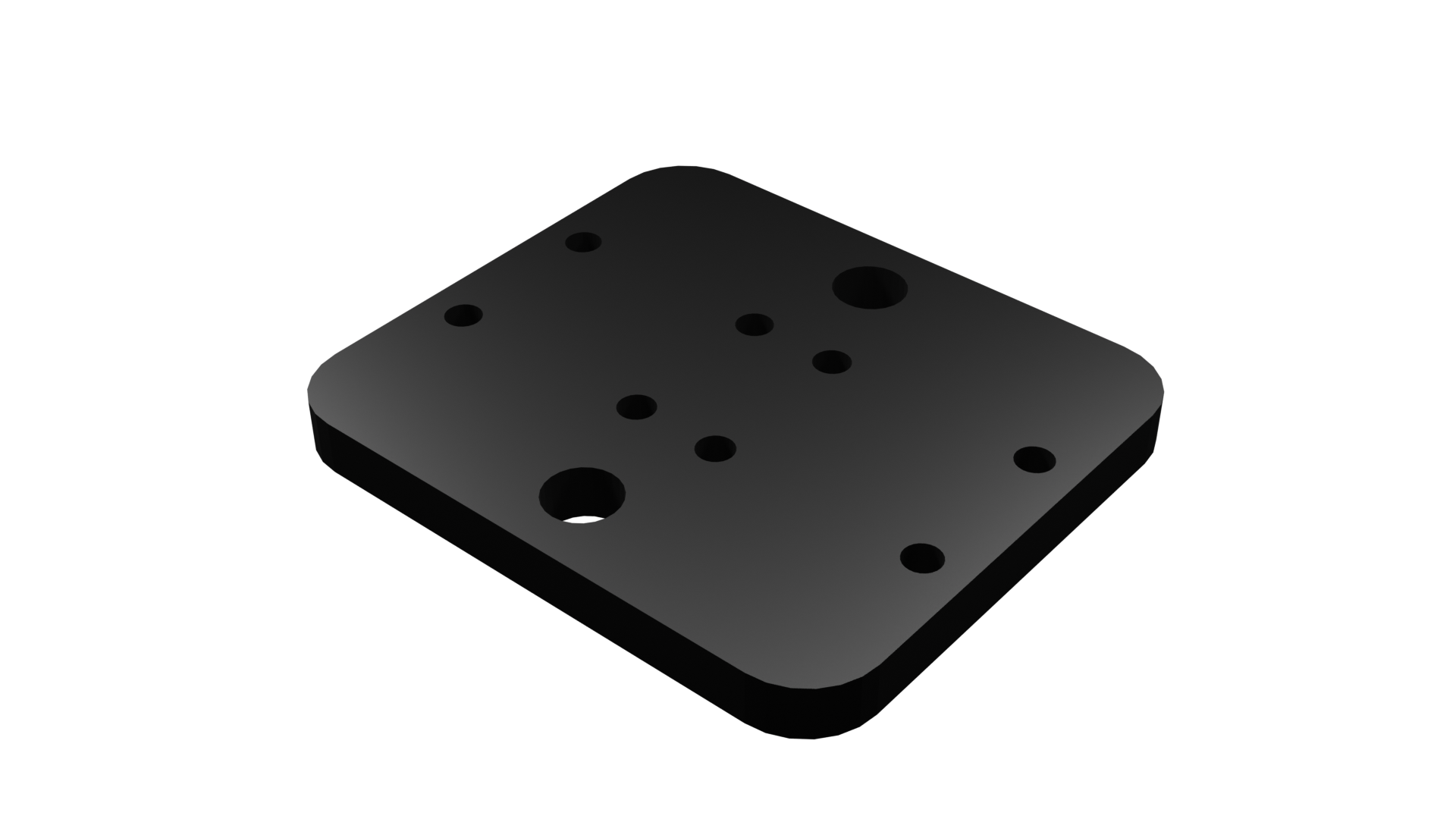
After making instructions the design changed slightly. See rendering above: Battery Indicator Switch Mount. Install both SPST Micro Tactile Switch 1.4mm to it and screw it to the rear shell, sitting just below battery indicator mount.
Controller PCB Install
Install Controller PCB to rear shell.